
Home  /  Services  /  Software Development · HRMS — Human Resource Management

HRMS — Human Resource Management

One system for people, payroll inputs, leave and performance — built for your workforce, not a template of someone else’s.

Most HR software is built for a corporation in a country with your payroll rules — and your team works around the gaps in a spreadsheet. We build HR systems around how your people actually work: the shifts, the sites, the leave culture, the payroll provider you already use. The admin works it in minutes, and the numbers arrive at payroll clean.

  • Attendance and shifts designed for your roster, sites and devices
  • Leave and approvals as a workflow people actually use
  • Payroll inputs that arrive clean — no monthly spreadsheet archaeology
  • Employee self-service: records, leave, documents — in the employee’s hands
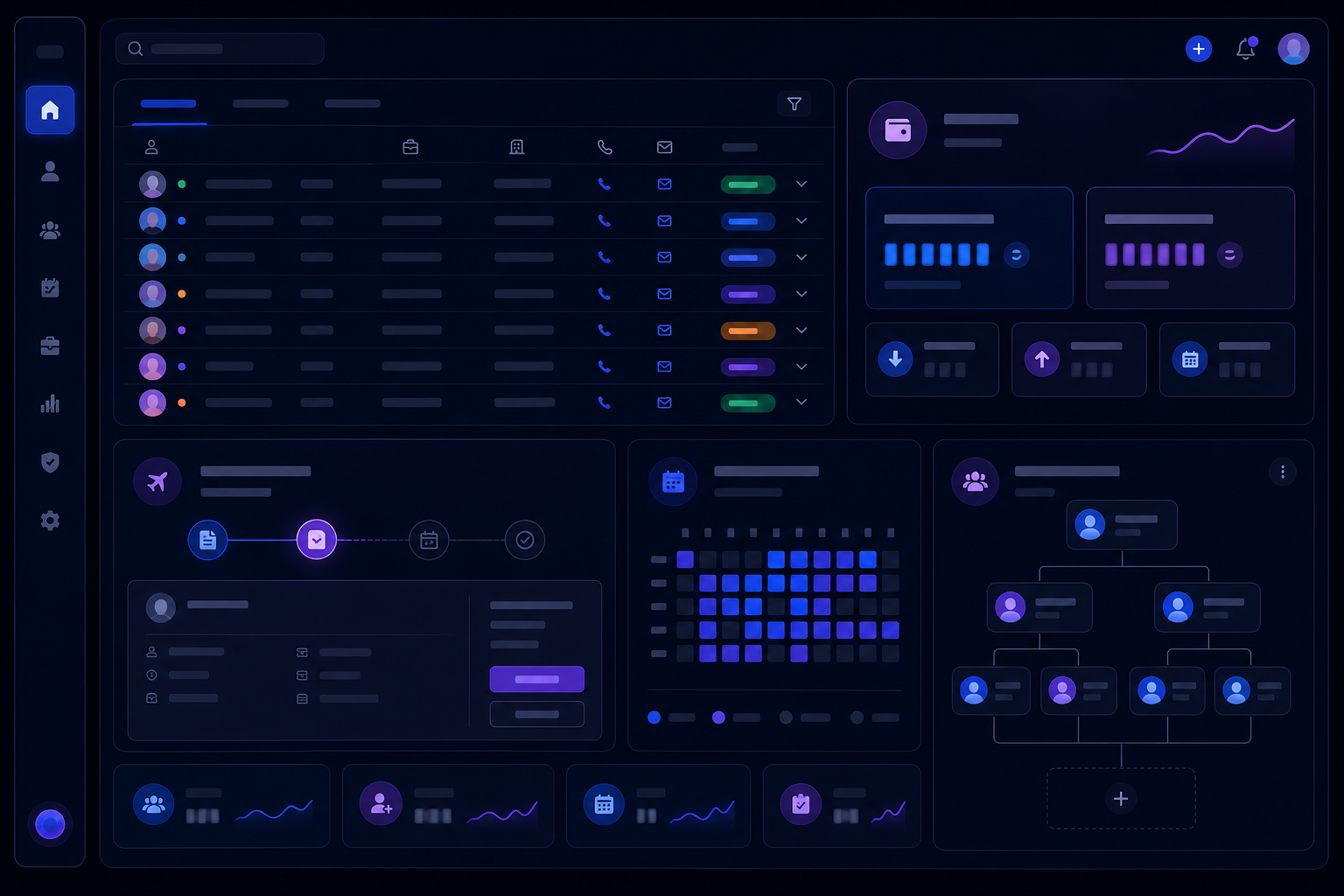
Visual representing HRMS — Human Resource Management
Software Development Outcomes first
THE SERVICE SYSTEMHRMS — Human Resource Management 15
Record Track Approve

The problem

The people mess runs on memory and spreadsheets.

Ask five managers for the headcount and you get five answers. Attendance lives in a group chat, leave in someone’s inbox, contracts in a folder whose location is a rumor. Payroll week is an act of tribal knowledge: who started when, who is on reduced hours, which overtime was actually approved.

The cost is not drama — it is arithmetic. Payroll errors are expensive and demoralizing; hiring slows because onboarding is a heroics event; and the one person who “knows how it all works” is a single point of failure.

Sound familiar?

  • Payroll week is a spreadsheet project, not a process
  • Attendance is “good enough” until someone disputes a shift
  • Leave approvals happen in DMs and get lost
  • Contracts, IDs and reviews are in folders nobody maps

What we actually do

The HRMS scope, in four blocks.

Most builds combine these; every build starts with the map:

01

People & records

One record, one truth.

  • Employee records with documents, contracts and history
  • Onboarding and offboarding as guided workflows
  • Org structure, roles and reporting lines that stay current
  • Self-service portal: payslips, documents, profile updates
02

Time & attendance

Shifts that survive contact with reality.

  • Rostering for your shift patterns, sites and part-timers
  • Clock-in via app, kiosk, biometric or manager entry
  • Overtime and exception rules written down and enforced
  • Discrepancy views that surface problems before payroll week
03

Leave & approvals

The workflow that actually gets used.

  • Leave balances, requests and approvals with real-time visibility
  • Overtime, swaps and adjustments through the same audit trail
  • Notifications that find people where they are
  • Annual leave planning that shows coverage before it is a problem
04

Payroll & performance

The numbers and the growth loop.

  • Payroll inputs and exports — or direct integration with your provider
  • Cost per employee, department and site, updated continuously
  • Performance reviews, goals and check-ins on a calendar
  • HR dashboards: headcount, absence, attrition, time-to-hire

The machine

People data, flowing instead of being chased.

The loop we build: record once, reuse everywhere, verify with payroll.

01

Record

Onboarding captures everything once — contracts, documents, bank details, start dates — and the employee record becomes the source of truth.

02

Track

Attendance and shifts captured where the work happens: app, kiosk or biometric — with exceptions flagged, not buried.

03

Approve

Leave, overtime and adjustments move through real workflows: requested, approved, visible, audited.

04

Compute

The month assembles itself: hours, overtime, deductions and additions — with the edge cases your rules say, not the template’s.

05

Pay

A clean payroll export or direct integration — the numbers arrive at payroll in the shape it needs, with a variance check against last month.

06

Prove

Every figure traceable to a record, an approval or a rule. Audit questions take seconds, not a weekend.

The system is built with your HR team from day one — their edge cases are the test plan, not the support tickets.

How it works

From spreadsheet chaos to payroll week on autopilot.

Week 1–2

Process map

We map the people process as it actually runs — including the spreadsheet steps and the heroics — and agree the payroll rules in writing.

Week 3–4

Design

Screens for admin, managers and employees; the data model for your roles, sites and rules. Your HR team signs off on the edge cases.

Week 5–10

Build

Records, attendance, leave and the payroll computation core — in iterations your team can click into and test with real data shapes.

Week 10–12

Parallel payroll

One full month runs in parallel with your current process. The numbers are reconciled line by line before anything is switched.

Week 12–13

Cutover

History migrated, employees trained on the self-service portal, managers on the approval workflows. Payroll week runs on the new system.

Ongoing

Refine

Rules evolve with the business — new roles, new sites, policy changes. The system adapts without a rebuild.

Scope of engagement

Every deliverable, named upfront.

  • Employee records as the single source of truth
  • Attendance and shift management for your roster reality
  • Leave, overtime and approval workflows with full audit trail
  • Payroll computation core with verified exports or provider integration
  • Employee self-service portal with documents and payslips
  • HR dashboards: headcount, absence, cost, attrition
  • Parallel-month payroll validation before cutover

FAQ

HRMS, straight answers.

Usually not — and you often should not. If your provider (or in-house payroll) does the tax and payments well, keep it. We build the system that makes its inputs clean: attendance, leave, overtime and employee changes arrive as a verified export or a direct integration, with a variance check against last month. Where it is genuinely cheaper to move payroll in-house, we will scope that too — with the tax-compliance caveats in writing.

Migration is planned, not dumped. We profile your current records — spreadsheets, the old system, paper where it exists — and agree what history matters: payroll-critical data, contracts, leave balances. It is migrated in stages with verification reports, and the parallel month before cutover proves it.

That is exactly where off-the-shelf HR tools fall over and custom starts to pay. Your edge cases become the test plan at the design stage. The system encodes your rules with an audit trail — when a number looks wrong, you can trace it to the rule and the approval that produced it.

Role-based by design: employees see their own records and payslips, managers see their team’s attendance and leave, HR sees the full picture, and payroll sees exactly what payroll needs. Access changes are logged, and sensitive documents are restricted. Data that travels between systems stays in encrypted, authenticated channels.

How much of payroll week is really admin work?

Map your people process with us: attendance, leave, onboarding, reviews, payroll inputs. We will show you the version where the system does the chasing.

Still comparing options? Ask Alia, our growth assistant — bottom-right corner. She’ll point you to the right service or blueprint, and hand you to a human when she doesn’t know.